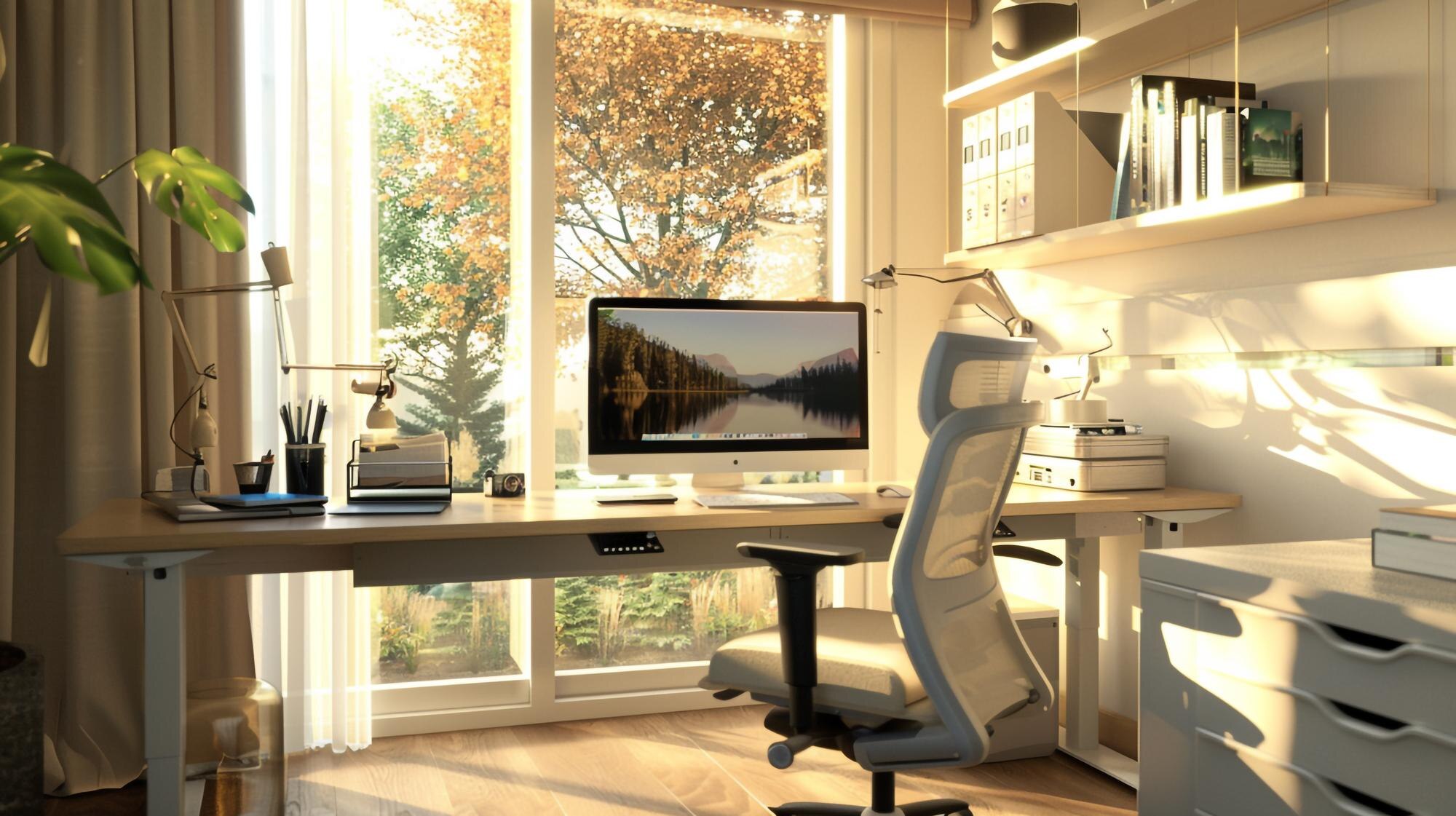
Creating a Pain-Free Workspace: Tips from Family Chiropractic Chatswood
Sitting at your desk shouldn’t come with a sore back or stiff neck by the end of the day. Many of us unknowingly set up workspaces that strain our bodies and harm spinal health. At Family Chiropractic Chatswood, Dr Brett Grant shares simple ergonomic tips to help you create a pain-free workspace that supports your wellbeing and helps prevent back pain. Keep reading to learn how small changes can make a big difference for your comfort and health. Check out these ergonomic tips for more information.
Ergonomic Tips for a Pain-Free Workspace
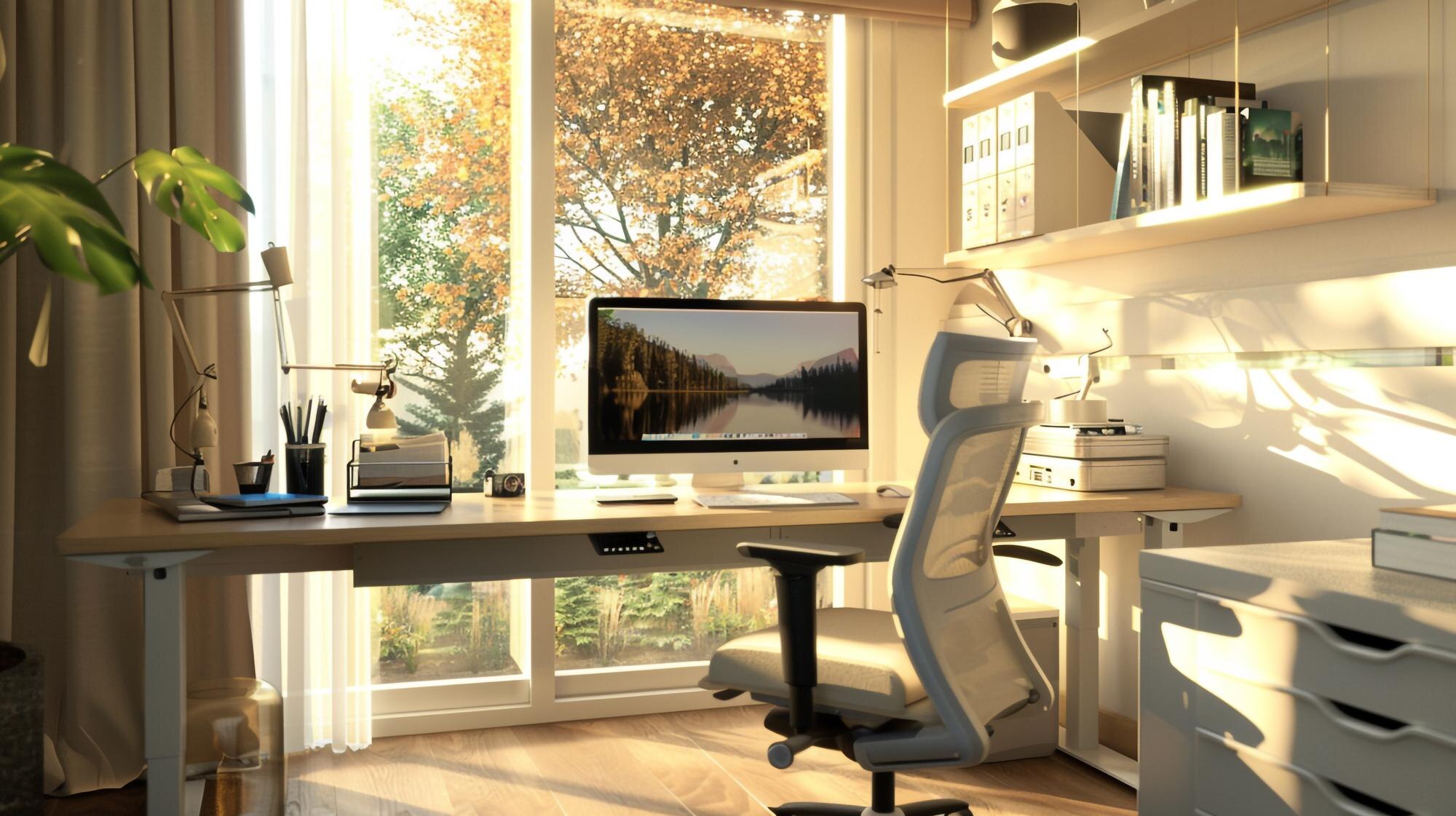
Creating a comfortable workspace begins with your chair. A good chair can be the difference between a productive day and a painful one.
Choosing the Right Chair
Your chair should support both your back and your goals. Look for one with adjustable height and lumbar support. This keeps the spine in a natural position and promotes spinal health. Always adjust the chair to your desk and monitor height. Your feet should rest flat on the floor. If they don’t, consider a footrest. This setup can prevent back pain and improve posture.
Arm support is also crucial. Armrests should allow your shoulders to relax. Tension in the shoulders often leads to discomfort elsewhere. Keeping your arms parallel to the ground helps maintain comfort throughout the day. Learn more about choosing the right chair here.
Desk Setup for Spinal Health
Your desk layout plays a critical role in maintaining a pain-free workspace. Position your keyboard and mouse close to prevent overreaching. Keeping elbows at a 90-degree angle reduces strain.
Consider the height of your desk. When sitting, your thighs should be parallel to the floor. This alignment supports spinal health. A desk that is too high or too low can cause strain. Be sure to adjust your monitor, too. The top should be at eye level. This prevents neck strain from looking up or down. The Mayo Clinic offers more tips on desk ergonomics.
Prevent Back Pain with Proper Posture
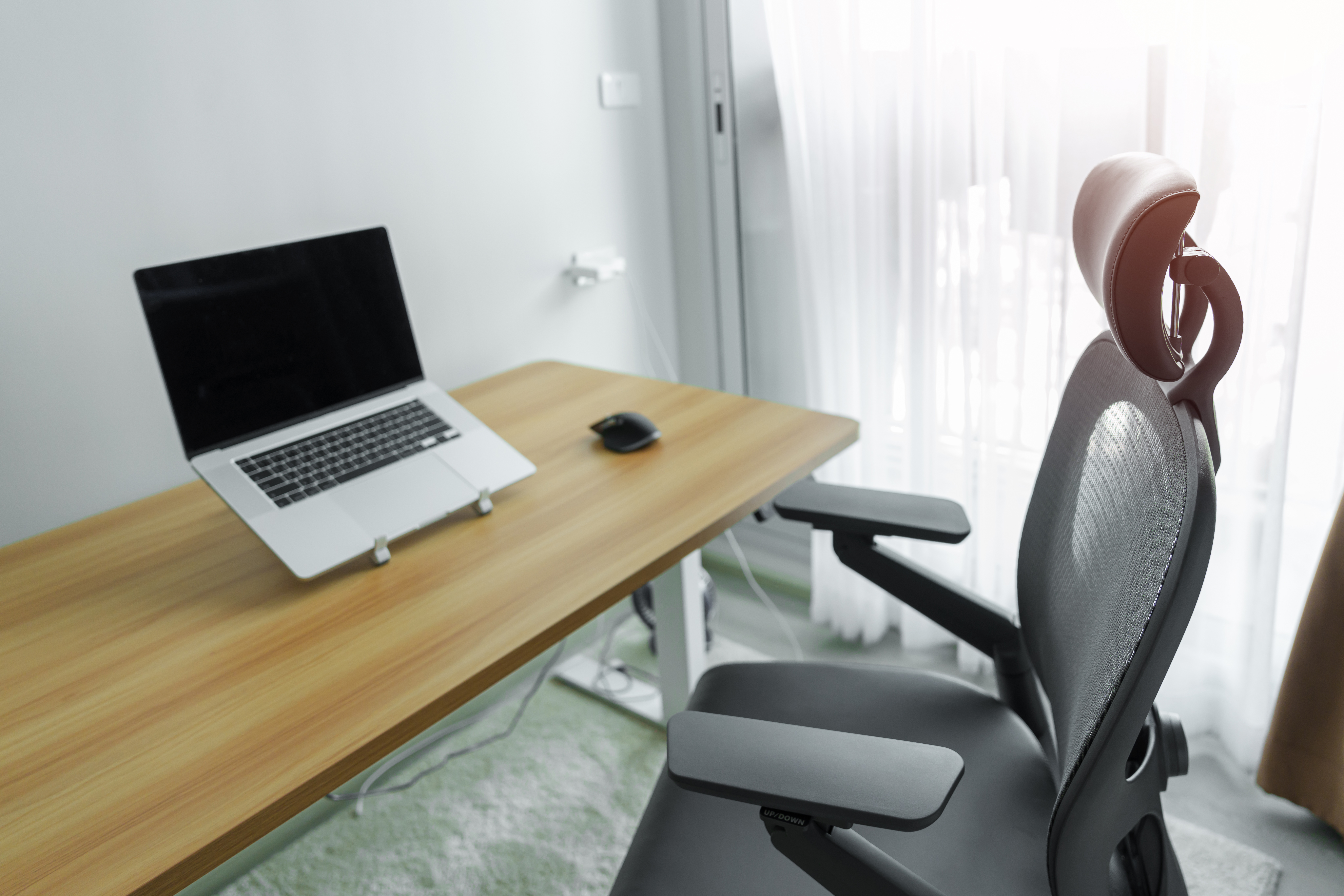
Good posture is essential for a pain-free workspace. It supports the natural curves of your spine and reduces stress on your body.
Monitor Positioning Matters
Positioning your monitor correctly can prevent neck and eye strain. Place it about an arm’s length away. This distance reduces eye fatigue. The screen should be at eye level, allowing you to look straight ahead. If you use dual monitors, place them side by side. This setup prevents neck twisting.
An anti-glare screen can also help. It reduces eye strain from harsh lighting. Adjust the brightness to match your surroundings. Taking these steps can minimise discomfort and support spinal health.
Importance of Regular Breaks
Regular breaks are vital for preventing back pain and other discomforts. Stand, stretch, and move every 30 to 60 minutes. This movement improves blood flow and relieves muscle tension. Simple neck and shoulder stretches can work wonders.
Micro-breaks are also helpful. Even a minute or two of stretching can reduce stiffness. Remember, the longer you sit, the more strain you put on your body. Breaks not only refresh your muscles but also your mind. Join our community for more tips on taking effective breaks.
Chiropractic Care Chatswood: Your Partner in Wellness

Having the right workspace is great, but sometimes you need extra support. That’s where chiropractic care comes in.
Benefits of Personalised Consultations
At Family Chiropractic Chatswood, we understand that each person is unique. Dr Brett Grant offers personalised consultations to address individual needs. By focusing on your specific concerns, we tailor our approach to enhance your wellbeing. Regular chiropractic care can prevent back pain and improve your overall quality of life.
Chiropractic adjustments can realign your spine and improve nerve function. This can lead to better posture and reduced pain. Our holistic approach ensures that all aspects of your health are considered. Whether you’re experiencing discomfort or looking to maintain wellness, we’re here to help.
Schedule Your Complimentary Workspace Assessment 🖥️
Your health and comfort should never be compromised. At Family Chiropractic Chatswood, we offer complimentary workspace assessments. These assessments identify areas of improvement in your setup. Dr Brett Grant provides practical advice to reduce strain and enhance comfort.
Don’t wait for pain to dictate your day. Take the first step toward a pain-free workspace by scheduling your assessment today. Our team is dedicated to your health and wellbeing. Let us help you create a workspace that fosters productivity and comfort.
By integrating these ergonomic tips and seeking professional care, you can enjoy a healthier, more comfortable work environment. Your wellbeing is our priority, and we’re committed to supporting you every step of the way.